
COT report types
Legacy, Disaggregated and TFF are three ways the CFTC splits traders into groups.
Updated 1 min read
Where: Markets → COT → Legacy / Disaggregated / TFF
Switch the report type
- Open COT and pick a sector and an instrument.
- Click Legacy, Disaggregated or TFF.
- Hover a report tab to read what it covers.
- Hover the ⓘ on a card to learn who that trader group is.
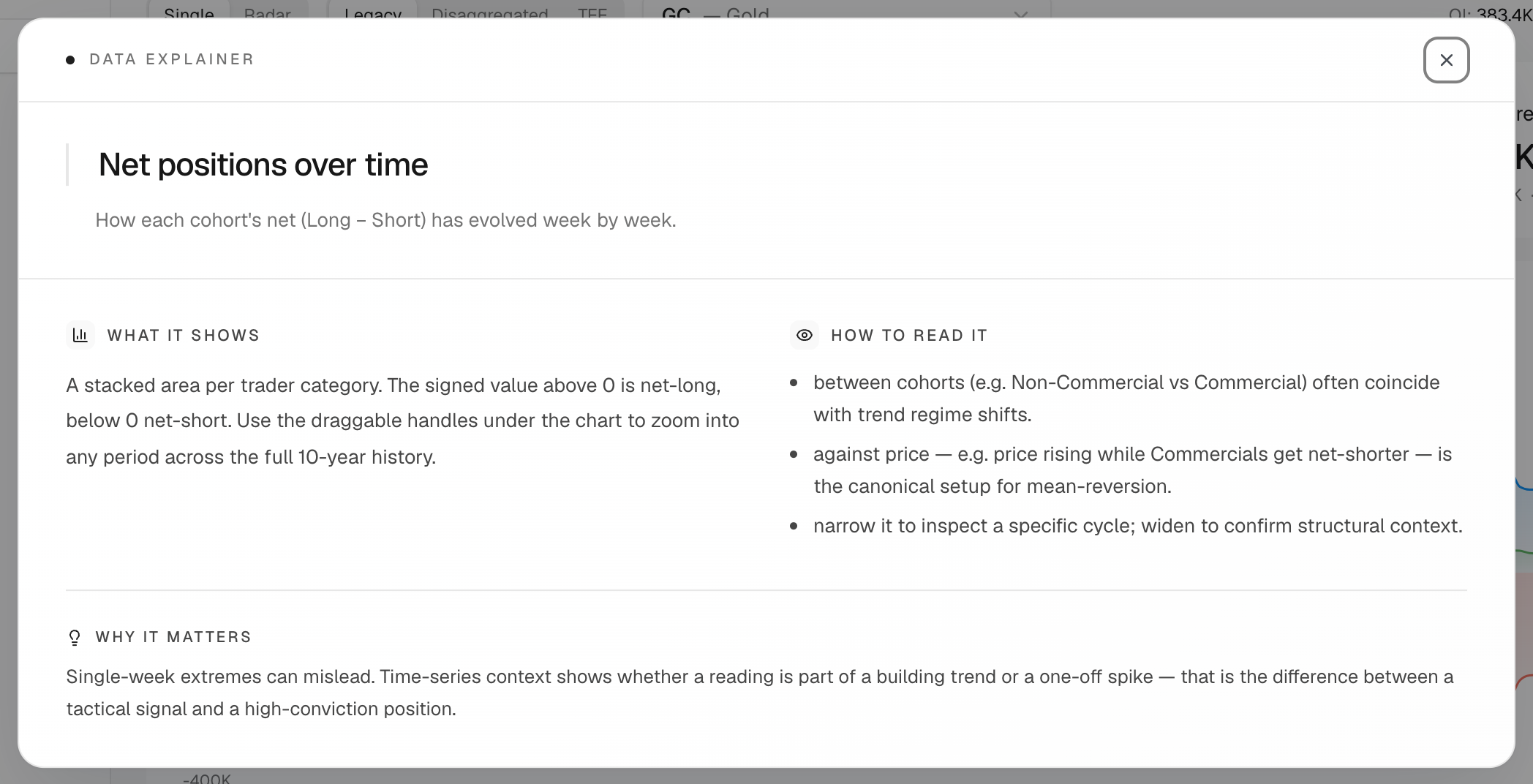
Get a chart explained
- Click ⋮ on a chart card.
- Click Explain this data.
- Read What it shows, How to read it and Why it matters.
The groups in short:
- Legacy: Non-Commercial (large speculators), Commercial (hedgers) and Non-Reportable (small traders).
- TFF (Traders in Financial Futures): Dealers, Asset Managers, Leveraged Funds and Other Reportables.
The cards always name the groups of the report you picked.
What's on the screen
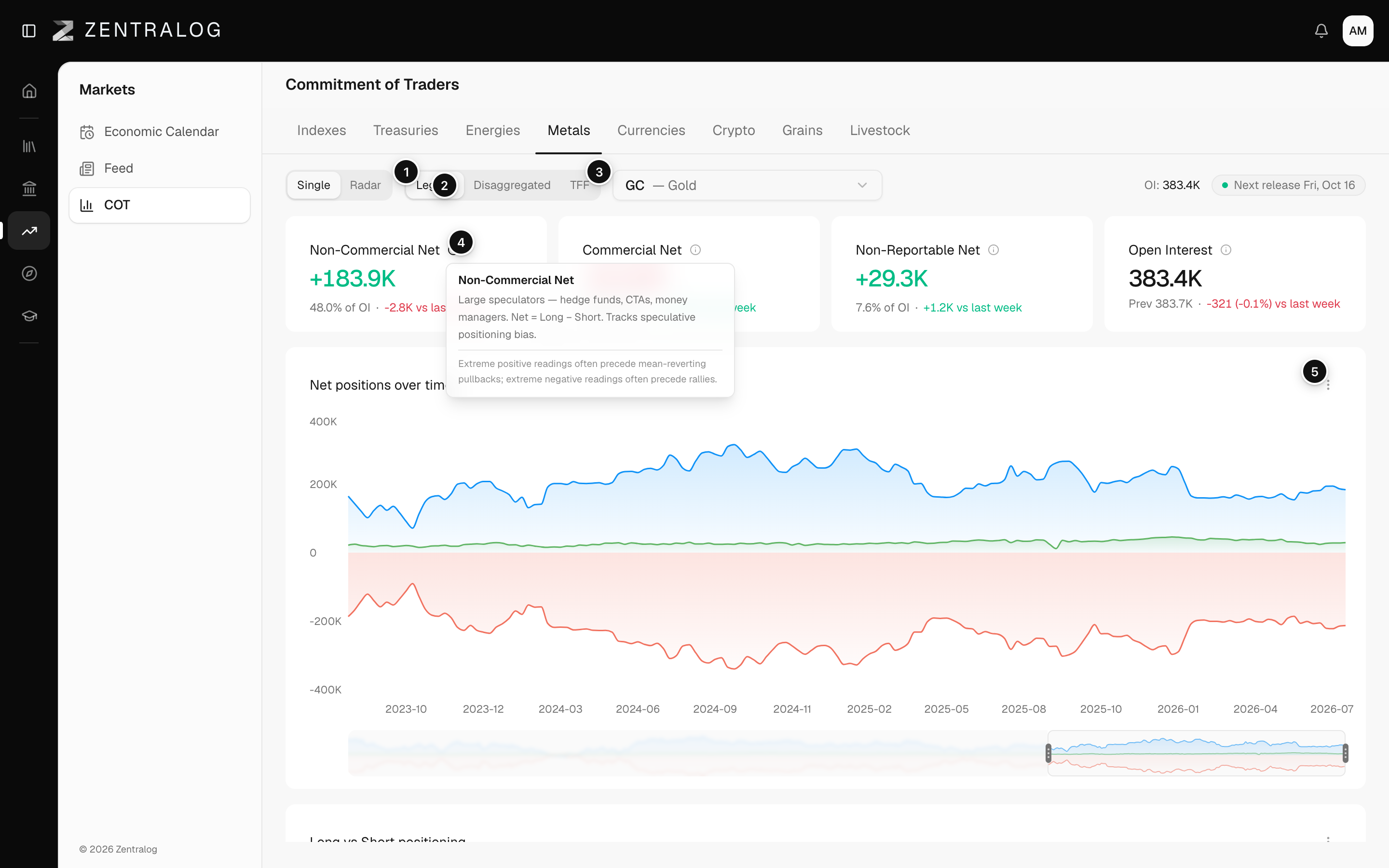
- Legacy: commercials versus non-commercials.
- Disaggregated: splits the traders into more detailed groups.
- TFF: dealers, asset managers and leveraged funds.
- ⓘ: explains who each trader group is.
- ⋮ menu: Explain this data tells you what a chart shows and why.
FAQ
Which report should I use?
Legacy is the classic view and works for every market. TFF is built for financial futures: stock indexes, currencies and rates.
Related
Did this answer your question?