
Note templates
Save a note's layout once and reuse it for your plans and reviews, in the Notebook and in My Day.
Updated 1 min read
Where: Journal → Notebook → a note → Template
Save a note as a template
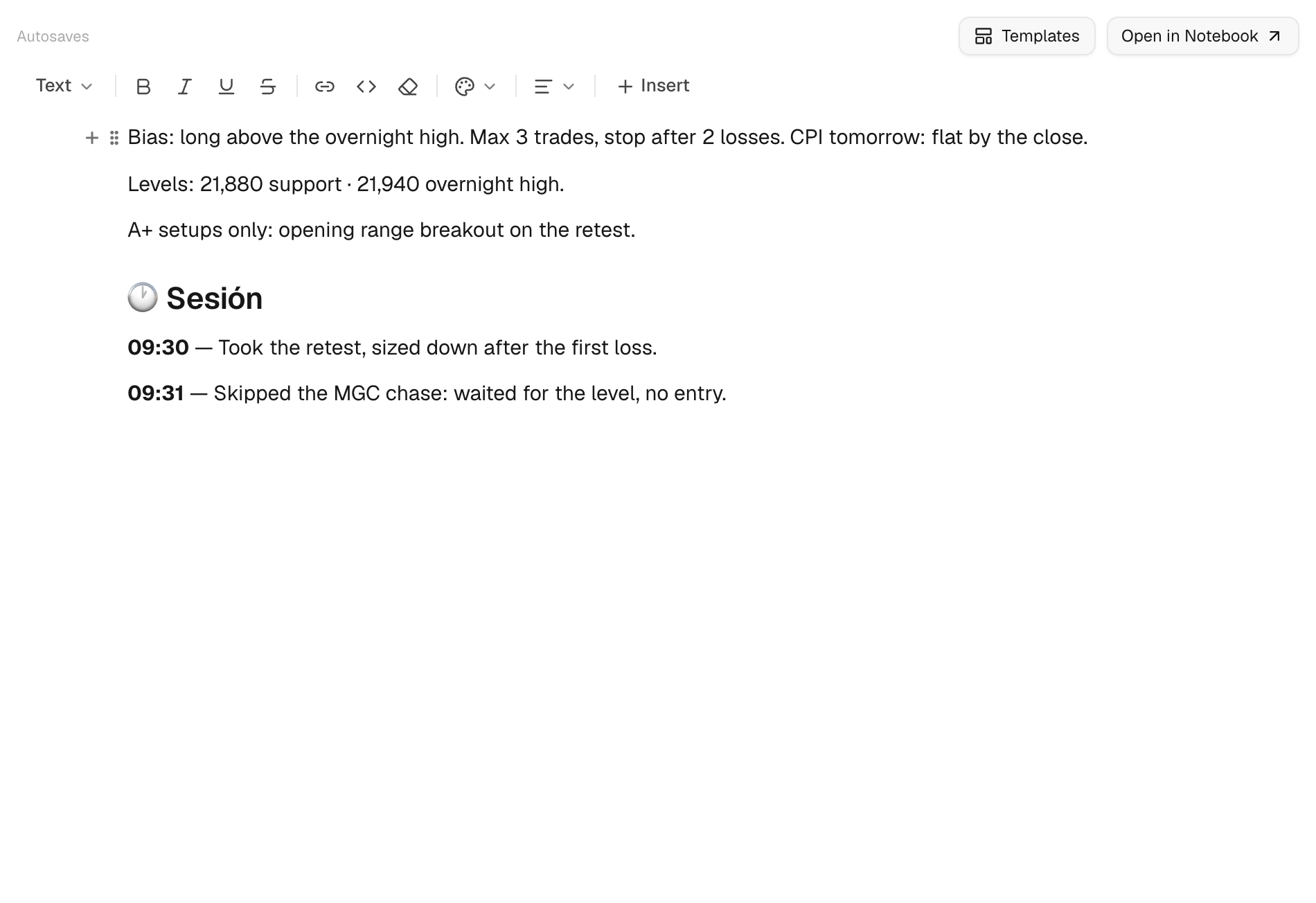
- Write a note with the layout you want to reuse, for example a pre-market checklist.
- Click Template at the top of the note.
- Under Save this note as a template, type a Template name. A Description is optional.
- Click Save template. It now shows under Your templates.
Use a template
- Open the note you want to fill. In My Day or the Logbook, click Templates on the day note.
- Find the template under Your templates and click Apply.
- If asked, confirm with Replace content.
What's on the screen
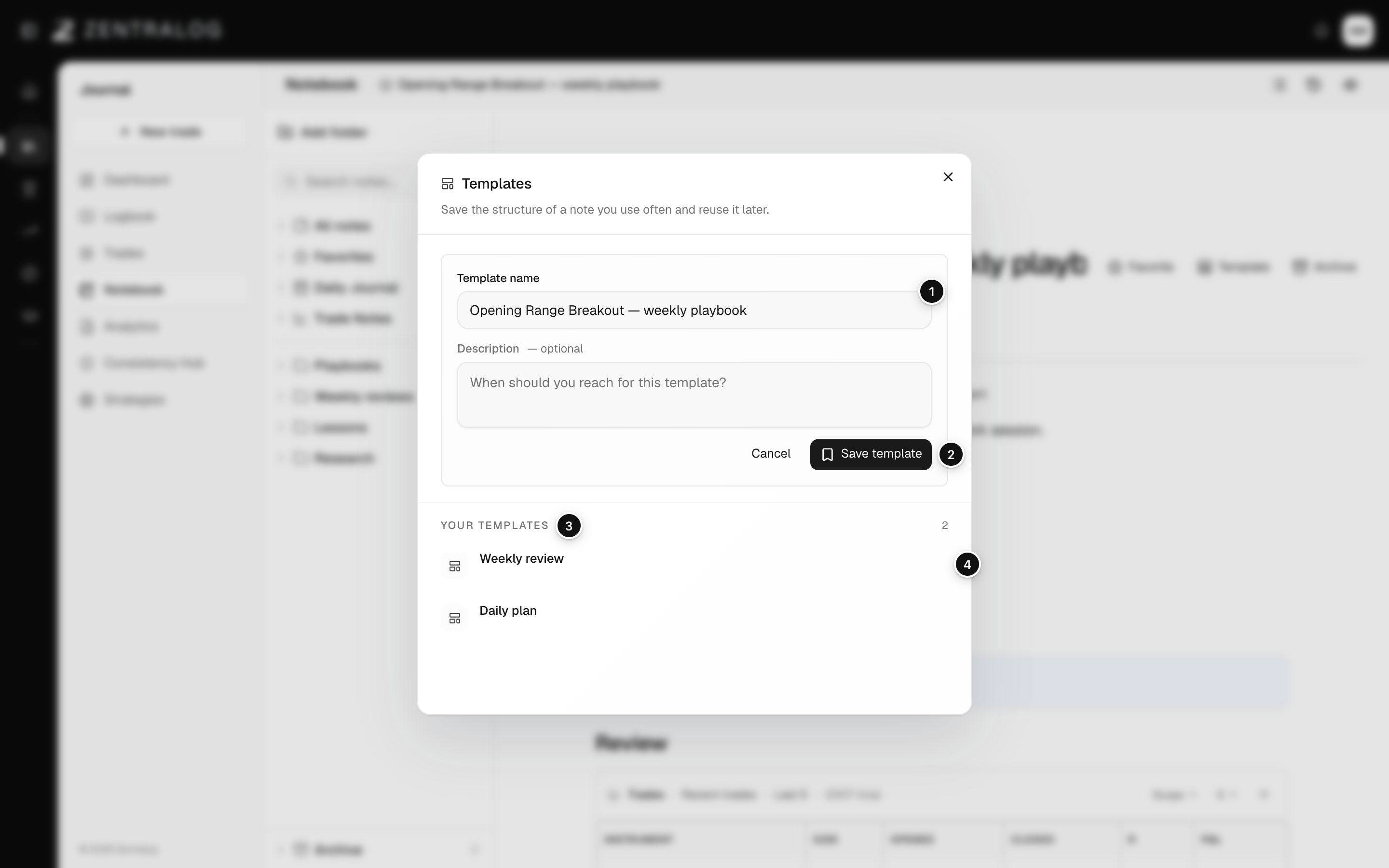
- Template name: the name you'll see in the list.
- Save template: save this note as a reusable template.
- Your templates: the templates you saved.
- Apply: replace this note with the template.
Apply replaces everything in the note. Apply templates to empty notes, or copy what you need first.
FAQ
Are there ready-made templates?
No. The list only shows templates you saved. It reads No templates yet. until you save one.
How do I delete a template?
Open the Templates dialog and click Delete template next to it.
Related
Did this answer your question?