
Market clock
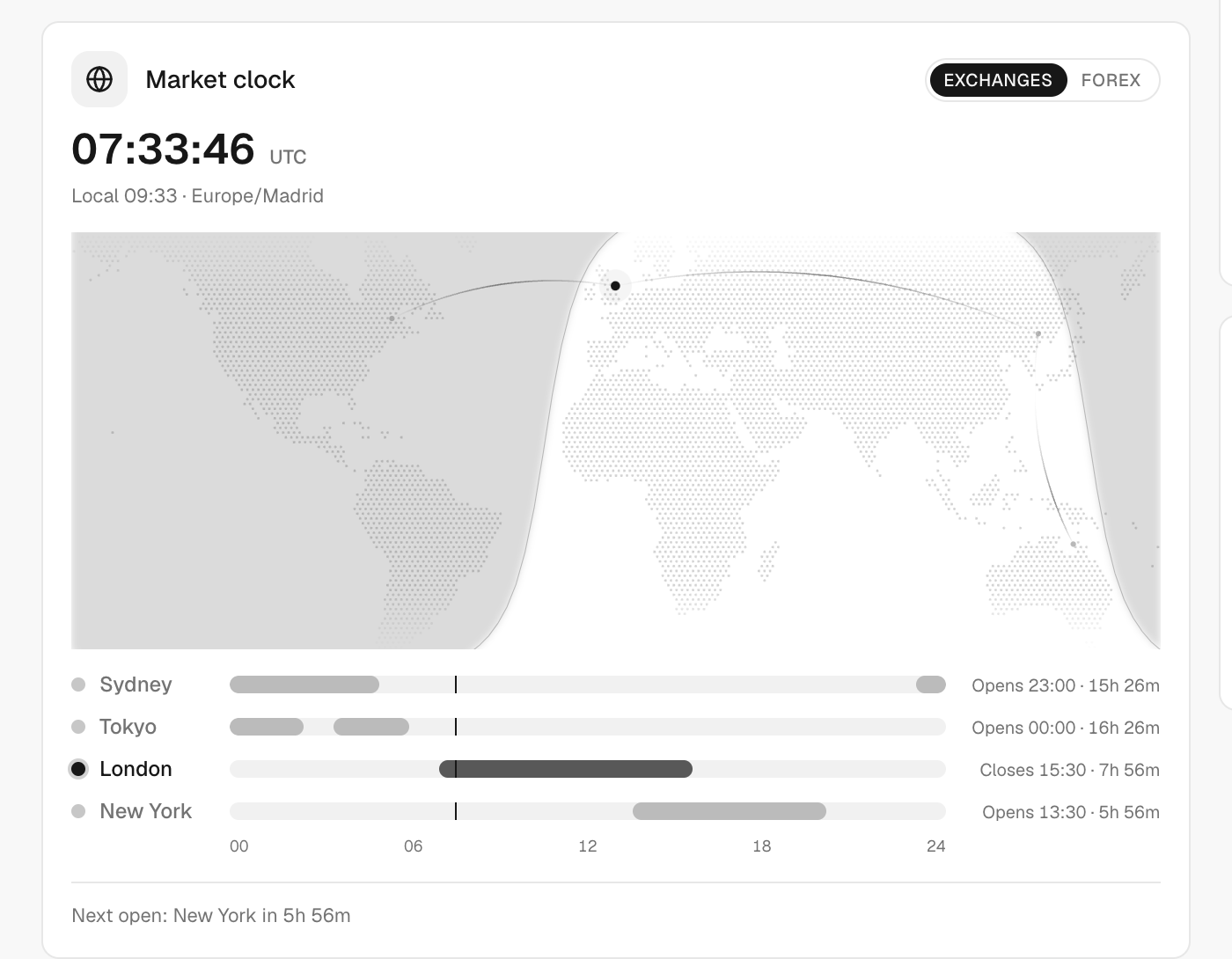
A live clock that shows which markets are open now and when the next one opens or closes.
Updated 1 min read
Where: Markets → Economic Calendar (top of the page), and your Home screen
Check which markets are open
- Open Economic Calendar in the Markets panel.
- Look at the clock at the top: a map and a 24-hour timeline.
- Click Exchanges for stock exchanges or Forex for currency sessions.
- Read OPEN or Closed next to Sydney, Tokyo, London and New York.
Each market shows when it opens or closes, and how long is left. When all are closed, you see Next open: with a countdown. Your choice of Exchanges or Forex is remembered.
What's on the screen
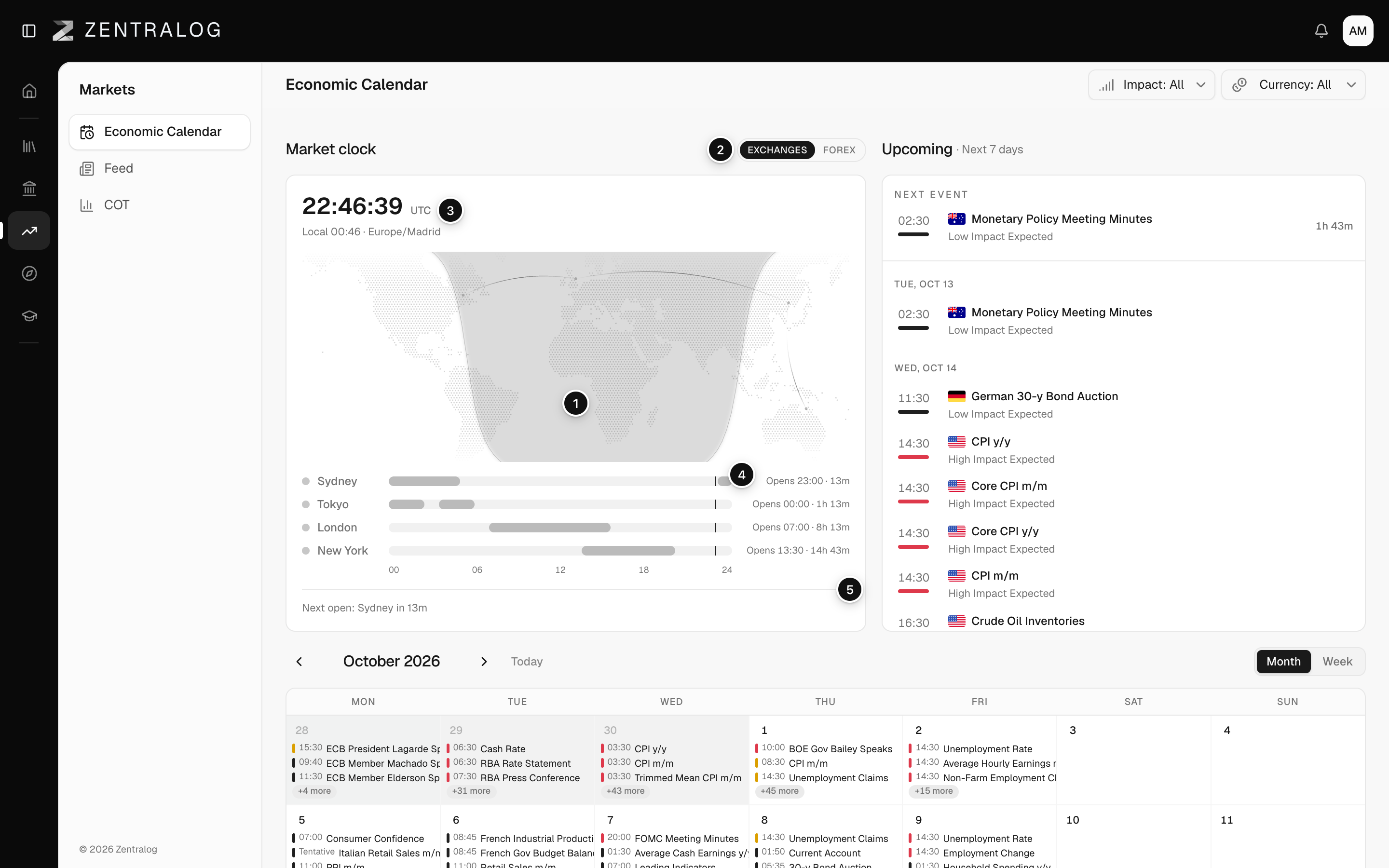
- Market clock: a live map and 24-hour timeline of market sessions.
- Exchanges / Forex: switch between stock exchanges and forex sessions.
- UTC: the current UTC time, next to your local time.
- OPEN: the markets open right now.
- Next open: a countdown to the next market open, when all are closed.
FAQ
Why can't I see the clock?
The calendar only shows it on wide screens. On a phone or a narrow window, it's hidden.
What does it say if the clock fails?
"The market clock could not be read." Click Try again.
Related
Did this answer your question?