
Browsers and quick fixes
Which browsers Zentralog works in, and what to try when a page won't load, looks wrong or you can't sign in.
Updated 1 min read
Zentralog runs in your web browser. Use an up-to-date version of Chrome, Edge, Firefox or Safari. Cookies must be allowed, or you can't stay signed in.
Fix a page that looks wrong or out of date
- Do a hard reload: Ctrl + Shift + R on Windows, or Cmd + Shift + R on a Mac.
- Check the account selector and date range at the top. They may be hiding your trades.
- Turn off ad blockers or privacy extensions for Zentralog, then reload.
- Try a private window. If it works there, an extension or old cache is the cause.
If you can't sign in
- Check you are using the email you signed up with.
- Use the password reset on the sign-in page if you're unsure of the password.
- After several failed tries, wait a minute before trying again.
What's on the screen
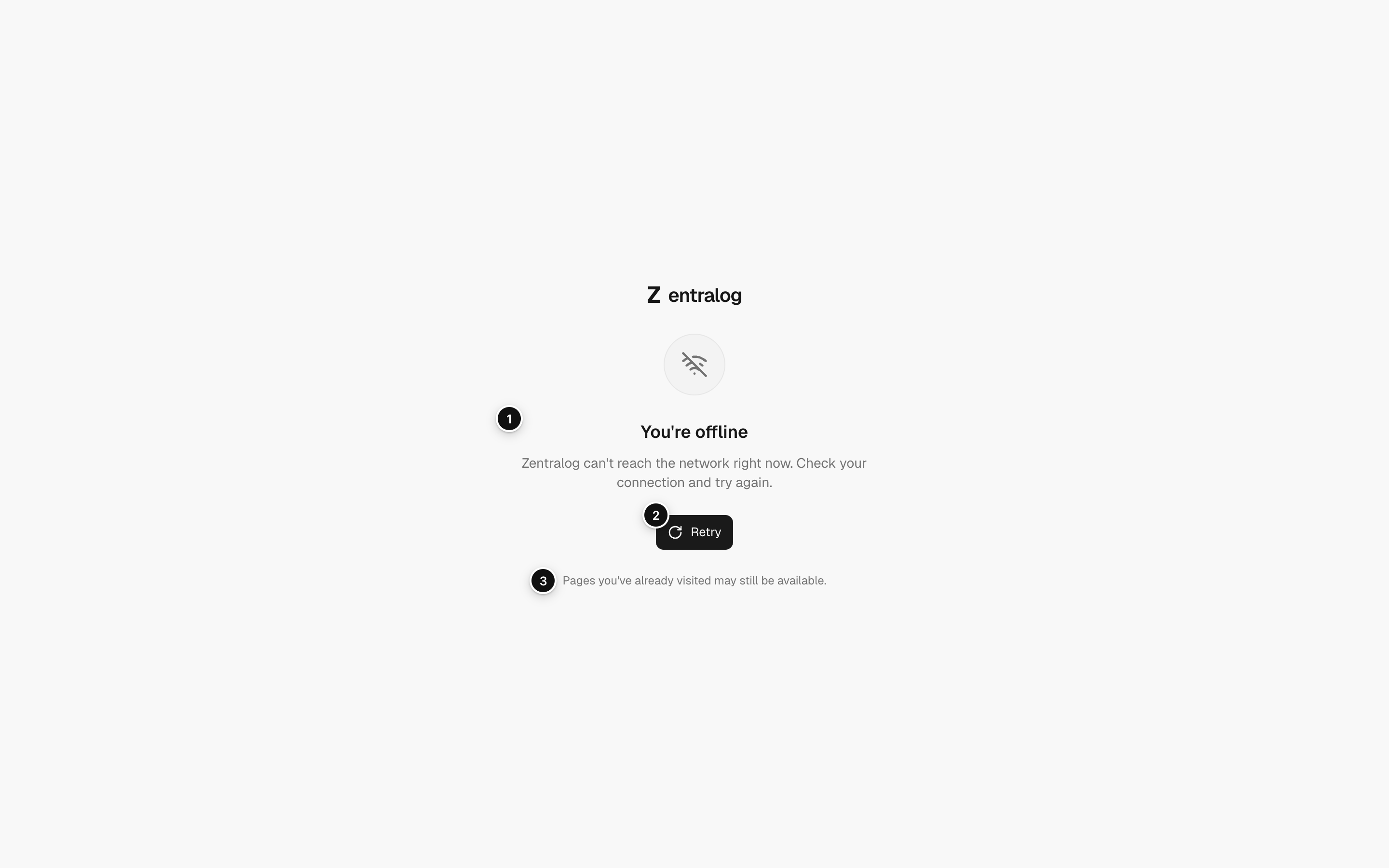
- You're offline: shown when your connection drops.
- Retry: tries again. The page also reloads by itself when you're back online.
- Visited pages: pages you already opened may still work offline.
FAQ
Do I need to install anything?
No. Zentralog works in the browser. You can also install it as an app; see Install the app.
Nothing here fixed it.
Email info@zentralog.com with your browser, what you were doing and a screenshot.
Related
Did this answer your question?