
Link trades to a strategy
Link each trade to a strategy, tick the criteria you followed and tag your mistakes.
Updated 1 min read
Where: Journal → Trades → a trade → Strategy
Link a trade
- Open a trade from the Trades table.
- Click the Strategy tab in the left column.
- Click Add strategy and pick one from the list.
- Tick the criteria you really followed. The bar shows the share of weight you met.
- Add tags under Execution errors or Psychology errors if something went wrong.
Changes save on their own. A trade has one strategy at a time.
See the linked trades
- Open Strategies and click the strategy card.
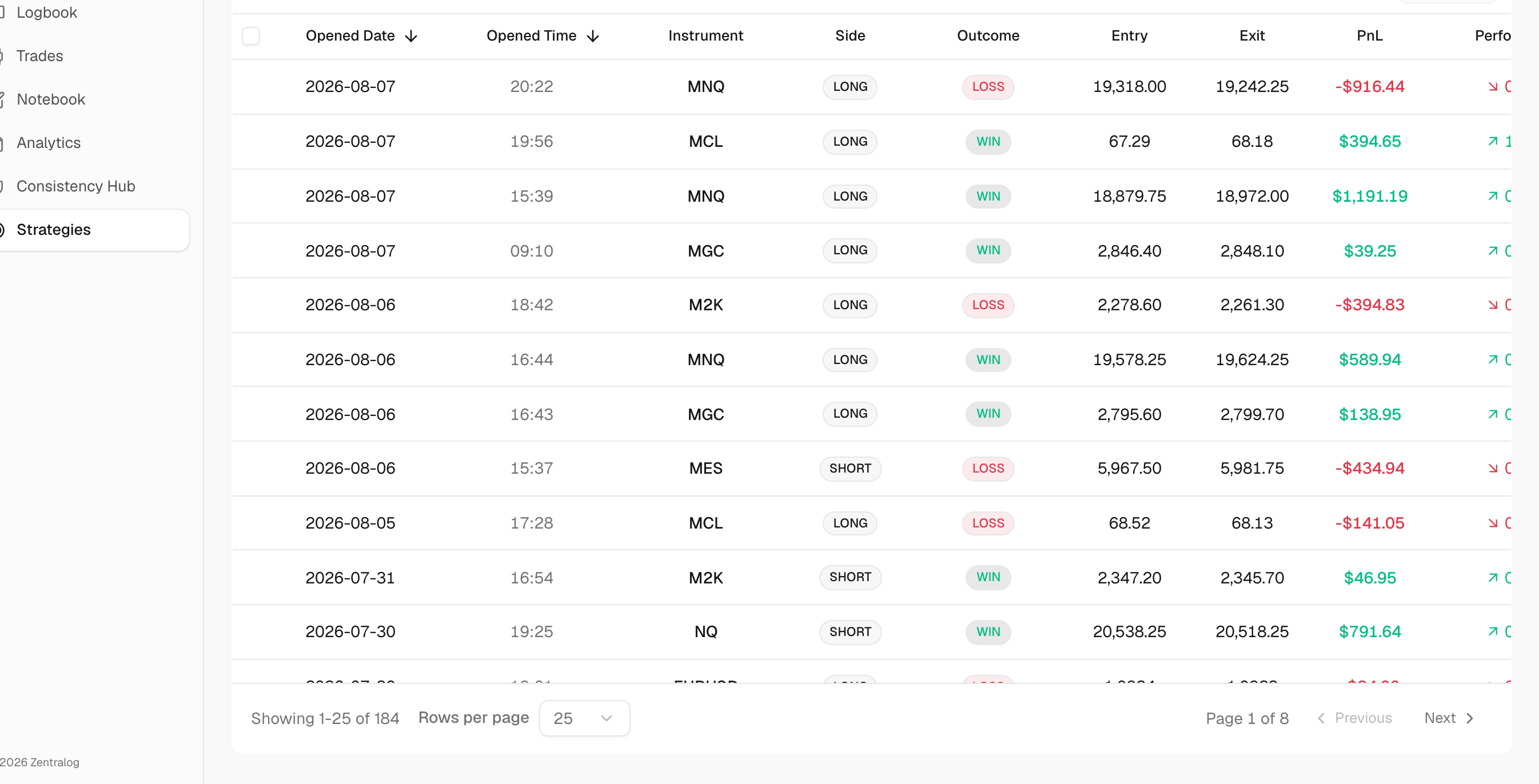
- Click the Trades tab.
- Click any row to open that trade.
What's on the screen
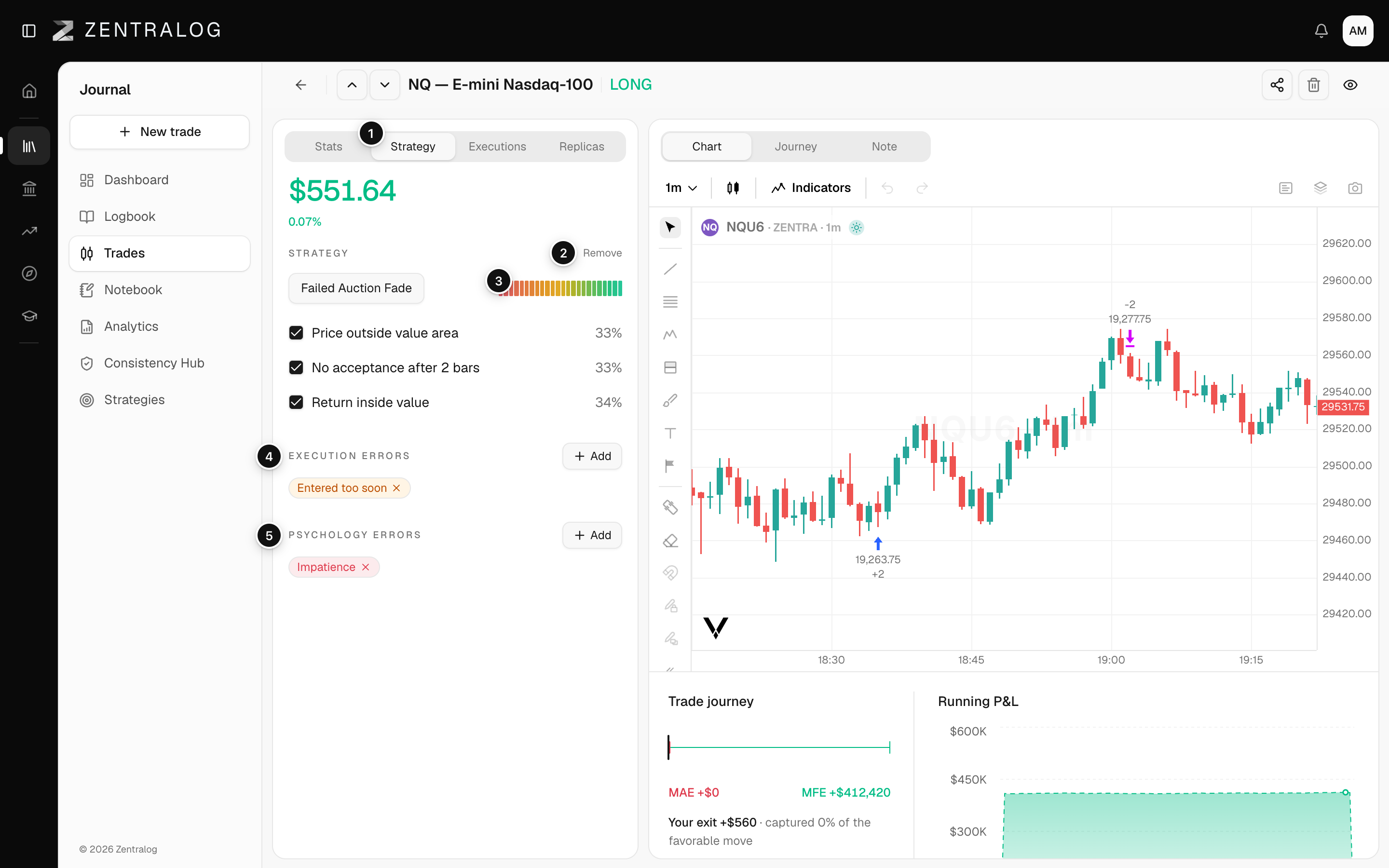
- Strategy: the tab where you link the trade.
- Remove: unlink the strategy, then add a different one.
- Criteria followed: the share of the checklist weight you met.
- Execution errors: tags for mistakes in how you placed or managed the trade.
- Psychology errors: tags for mistakes like fear, revenge or FOMO.
FAQ
Can I link many trades at once?
No. You link them one by one from each trade's Strategy tab.
Why does the strategy show no R numbers?
R needs a stop loss on the trade. Add one in the trade so its R can be counted.
Related
Did this answer your question?