
Strategy notes
The Notes tab is the written playbook of a strategy, with text and images.
Updated 1 min read
Where: Journal → Strategies → a strategy → Notes
Write the playbook
- Open a strategy and click the Notes tab.
- Click in the editor and write how the strategy works.
- Add headings, lists or pasted screenshots of good examples.
- Wait for Saved. There is no save button.
The editor is the same one you use in the Notebook. See Rich editor for formatting.
What's on the screen
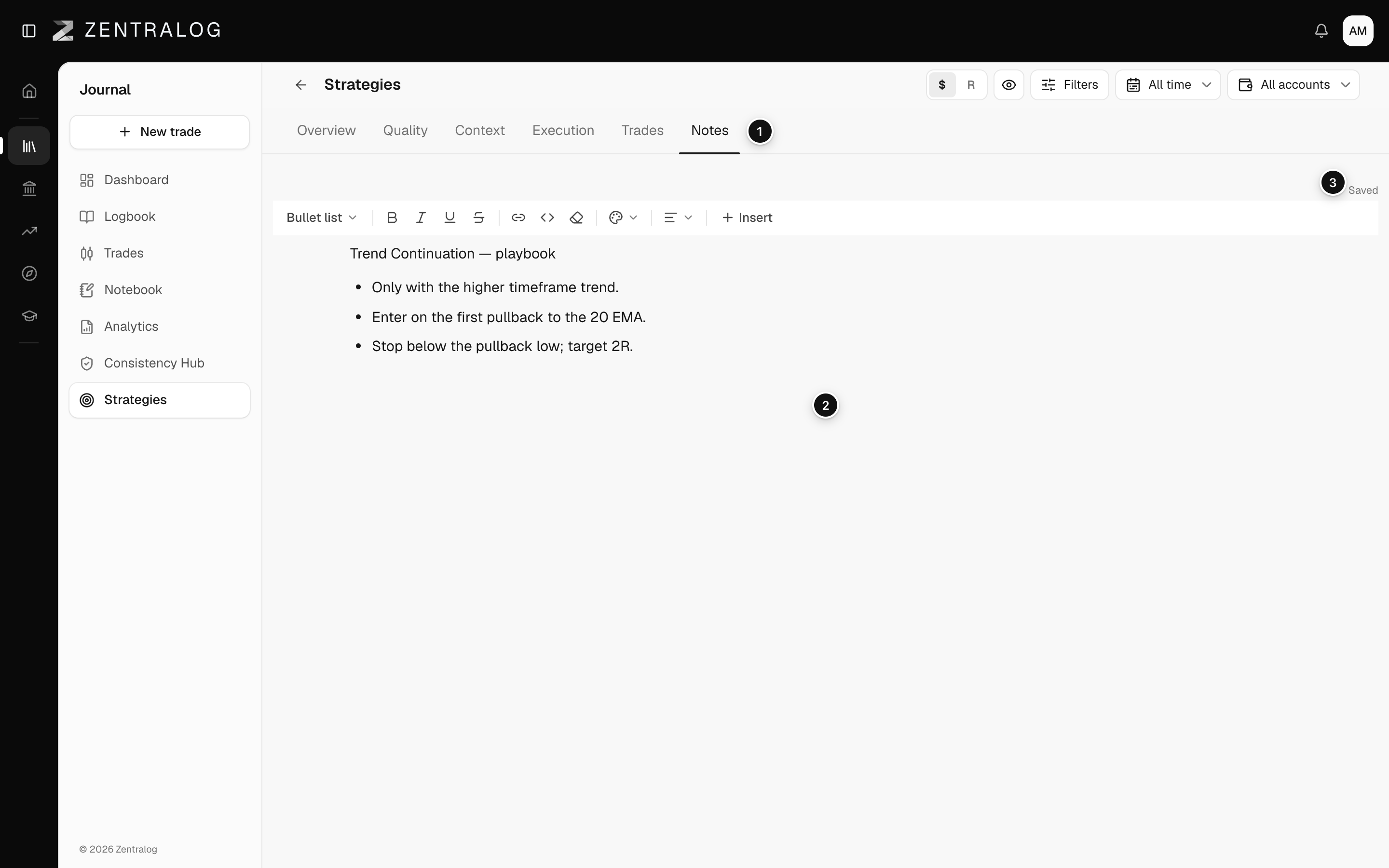
- Notes: the tab where the strategy playbook lives.
- Editor: write rules, examples and add screenshots.
- Saved: your notes save on their own as you type.
FAQ
What if it says Couldn't save?
Check your connection and click Retry. Don't close the page until it says Saved.
Is this the same as the strategy description?
No. The description is a short line you set in the editor. Notes are the full playbook.
Why can't I write in the notes of a strategy?
It comes from your mentor and has 🎓 before its name. Its Notes tab shows your mentor's playbook, read-only. See Strategies from your mentor.
Related
Did this answer your question?